
Privacy Settings
Customers leave personal data behind with every booking: name, email address, phone number, often an address too. Under the General Data Protection Regulation, you may only keep this data for as long as you need it. timum handles the cleanup for you: under Settings → Privacy, you define after how long customer data is automatically deleted.
The deletion period
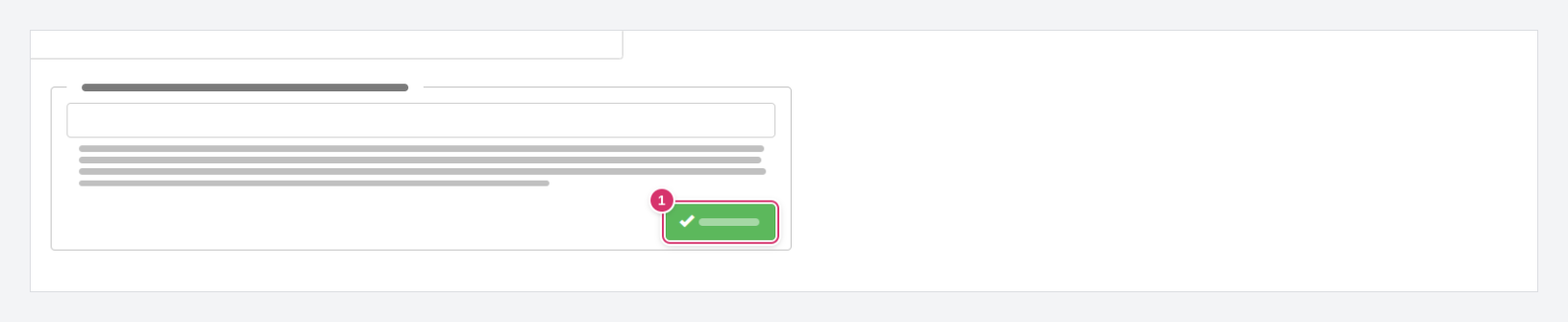
The page has a single field: Automatic deletion period for customer data (in days). Enter the number of days and click Save (1).
Here's how timum calculates it:
- What matters is a person's last appointment – more precisely, the date of their most recent appointment.
- If that appointment is further back than the period you entered, the person's personal data is deleted.
- All appointments in which the person was ever registered as a participant count – including cancelled appointments and cancelled participations. So a cancellation does not shorten the period.
- Deletion runs automatically overnight once the period has elapsed. You don't need to do anything else.
An example: with a period of 365 days, the data of a customer whose last viewing appointment was on March 3 remains stored until March 3 of the following year and is deleted the night after. If she books a new appointment before then, the period starts over with that appointment.
Which period is right?
What happens to the data
The personal data of the person is deleted – that is, the details you see about them on the Customers page. Your statistics remain unaffected: the appointments still count as appointments, just without any link to a person.
Cannot be undone